

Campaign tools tutorial
QR codes and how they work
Last updated October 25, 2024
🧑🏫 What’s a QR code?
A QR code, short for Quick Response code, is a two-dimensional bar code. Similar to a traditional bar code, a QR code contains a pattern of black and white squares – but QR code recognition is now built into mobile phone cameras, making this a ubiquitously usable barcode anyone can scan.

🪄 What can a QR code do?
Once scanned, a QR code can relay a number of different types of information, such as a website URL, a phone number, a message, or even a vCard (virtual business card).
Using a QR code so that someone can scan it and then be taken to a website is, by far, the most popular reason people use QR codes these days.
For that reason, QR codes have become increasingly popular in advertising, marketing, and even in restaurants where they are used to display a menu or a link to a website.
Other fun things you can do with a QR code
- Prompt a phone to call a phone number: When scanned, this type of QR code loads a phone number into the phone app on a phone.
- Prompt a phone to send a text: When scanned, this type of QR code will load a message in the default messaging app on a phone, with the target phone number already loaded.
- Show a location on a maps app: When scanned, this type of QR code will load a location in the default map apps on a phone.
- Provide WiFi login information: When scanned, this type of QR code will open a phone’s settings and attempt to connect to the provided WiFi network with the name and password you provide.
- If you’re providing this information to a large group of people, you may want to make sure you’re providing access to a guest account on your router and not your main WiFi network.
⚠️ Important distinction on QR code links
Because QR codes are easy to create, a number of websites have been setup that allow people to generate them with a quick web form. Here’s an example free website that creates QR codes:
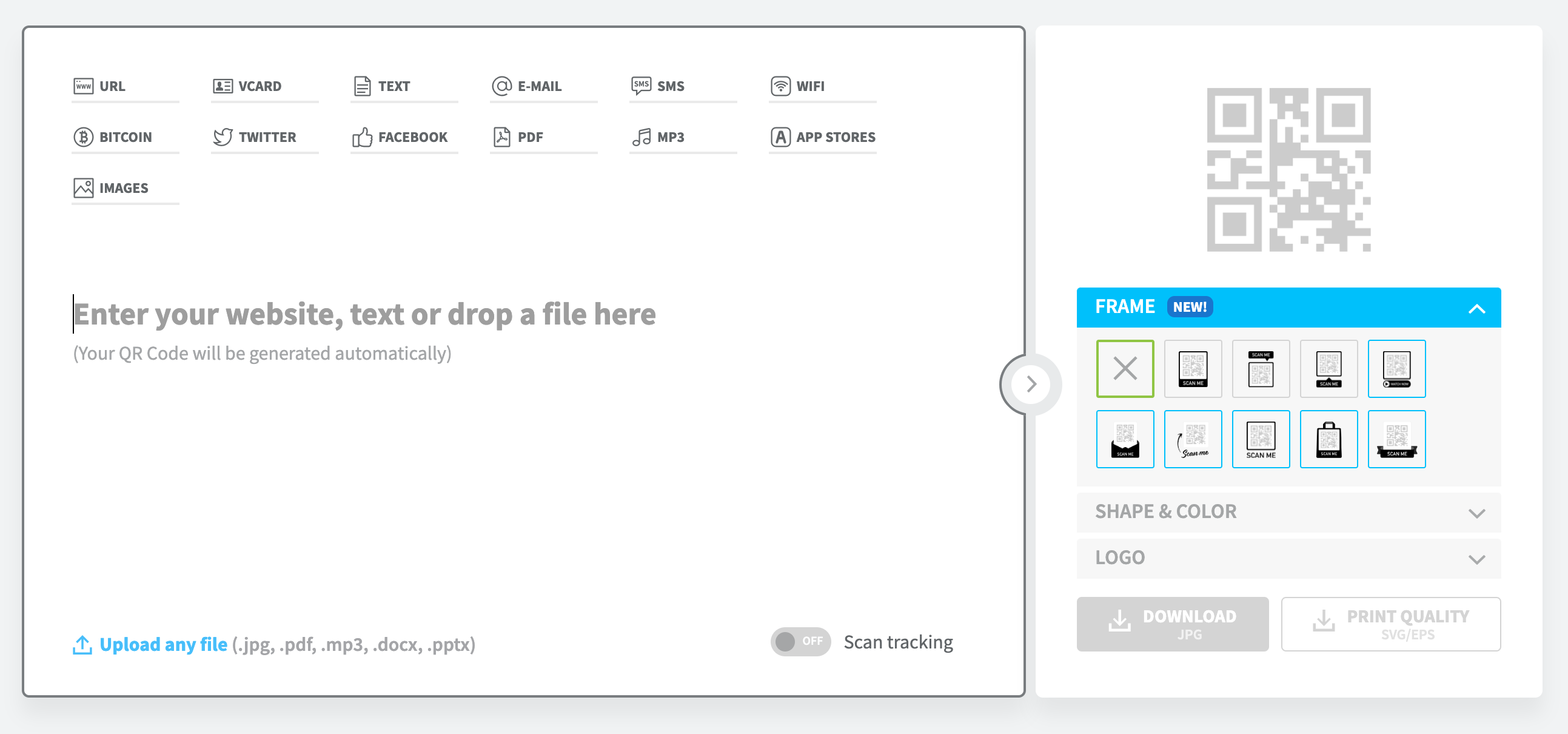
Many of these sites offer link tracking as a service you can pay for. You can see the words “Scan tracking” near the lower right-hand corner of the box in the image above.
To track how many times the link was used and show you those analytics, the QR code generator website will substituting your link for a link that goes to the QR code generator.
For example, if your link is https://act.climatechange.org/sign/petition1, the QR code generator website may use the link https://qrcodegenerator.com/links/381834, which routes through their own website, to perform the tracking. Here’s a visual representation:
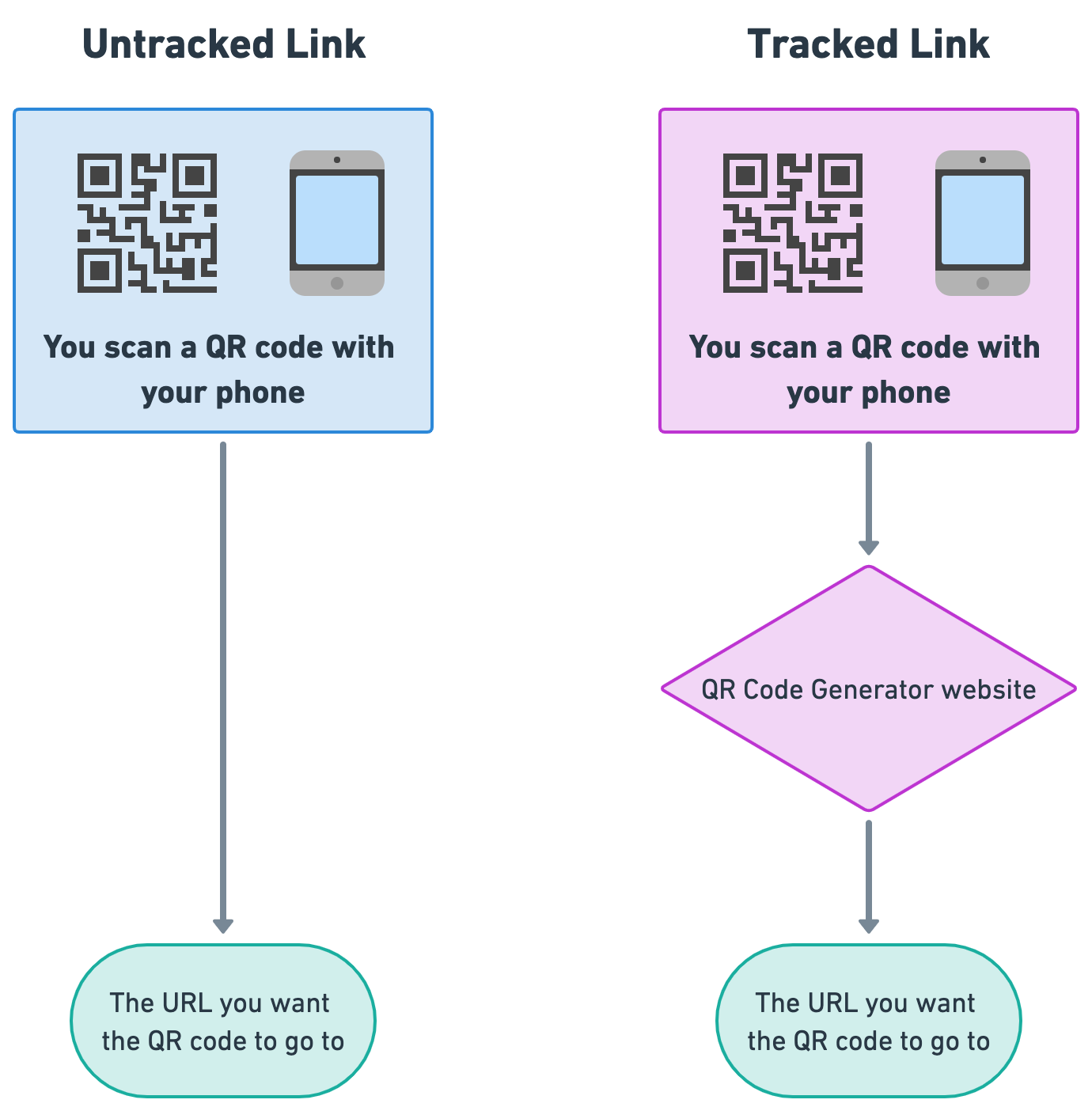
There’s nothing inherently dangerous or wrong with this arrangement, but as mentioned above, it will likely cost you a membership fee with the QR code generator for these analytics. You will also want to consider the following:
- If you stop paying for a membership to the QR code generator website, your link will no longer work.
- If the QR code generator website goes offline, your link will no longer work. Some of these websites may be a bit “fly by night,” just attempting to earn quick money, so unless you’re sure that the site is run by a reputable company and will be around, you may not want to be reliant on them!
- If the QR code generator website is getting a lot of traffic, it may take a while to redirect people from their tracking link to your own URL.
Of course, you can run your own analytics at the URL you’re directing someone to, if you own that website!
👩💻 How to create a QR code
There are a few easy ways to make a QR code:
- Use a free website
- Adobe Express QR code generator: https://express.adobe.com/tools/qr-code-generator
- QRCode Generator (by Bitly): https://www.qr-code-generator.com/
- QRCode Monkey: https://www.qrcode-monkey.com/
- Use Canva, if you have a subscription: https://www.canva.com/help/create-qr-code/
For each of these, you’re generally just inputting your URL – or other information – into the form. It’s quite simple!
Other features
Depending on the code generator you’re using, you may have options to change the color of the QR code, or change how it looks. While you can certainly tinker with these features, they may cost you extra and generally aren’t worth it – the simplest and clearest QR code is the best!
Also keep in mind that QR codes are most accessible ♿ when they are high contrast (black on white, etc.) to the viewer and clearly state what they do.
If you have the option to increase the size of your output image, you should take that option and make a larger sized image if you want to print the QR code for something like a flyer or a newspaper ad. Smaller images usually can’t be made larger without sacrificing the quality of the image, especially for print, so you’ll want the largest image you can get.
🖨️ How to use a generated QR code image
Once you generate a QR code, by inputting the URL you want people to go to when they scan the code, you’ll get back an image file that looks like this:
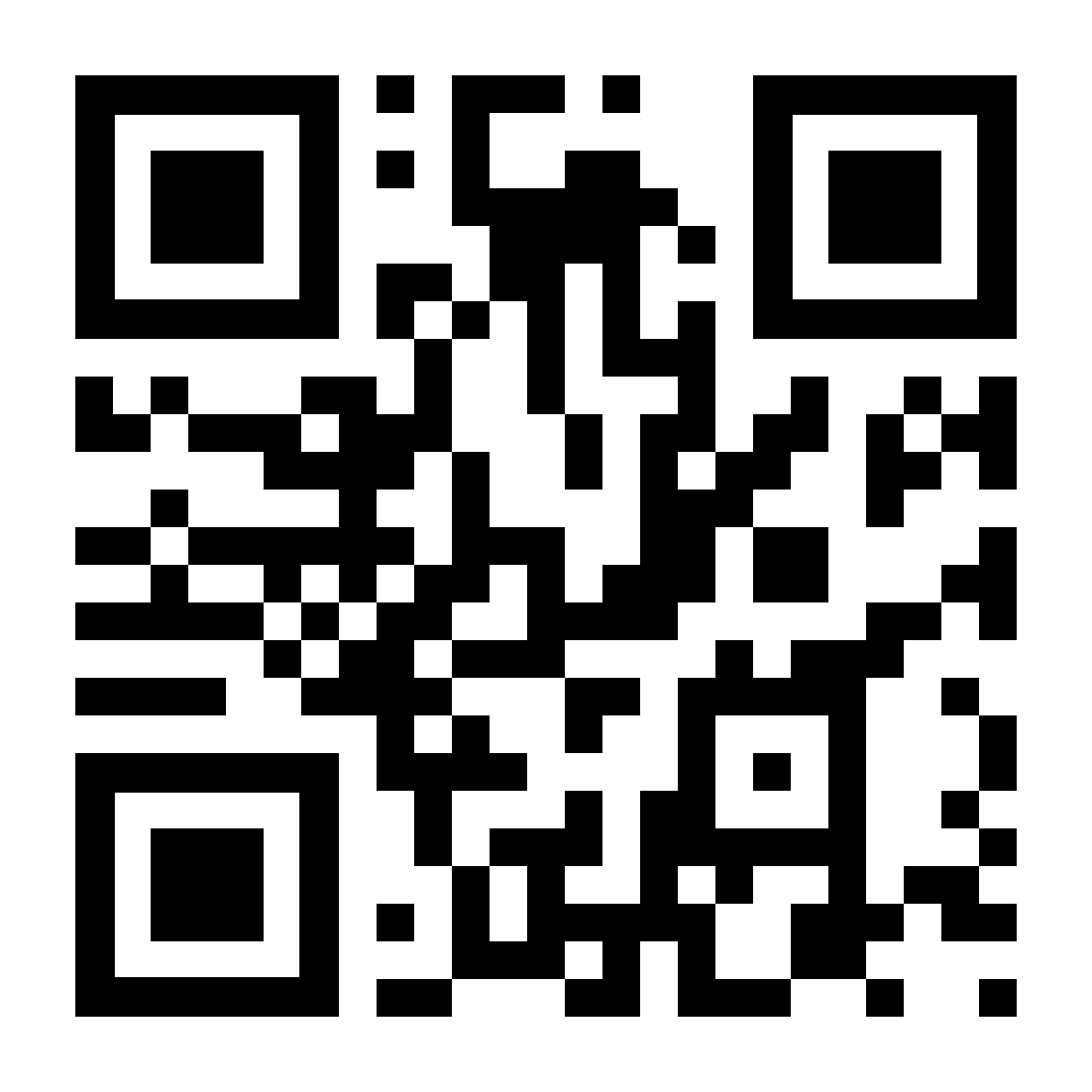
Save the image file on your computer and then you can paste that image into whatever document you’d like to print or use the QR code in. Or, you can share the image file with a graphic designer who’s working on the document you plan to print.
You may want to consider whether to include instructions on what to do with the QR code, especially if your audience is not familiar with QR codes. For example:
“Scan this code with your phone to go to our website!”
🤓 Further reading
Want to learn more about the pieces of a QR code? Check out this cool tutorial!
https://qr.blinry.org/